


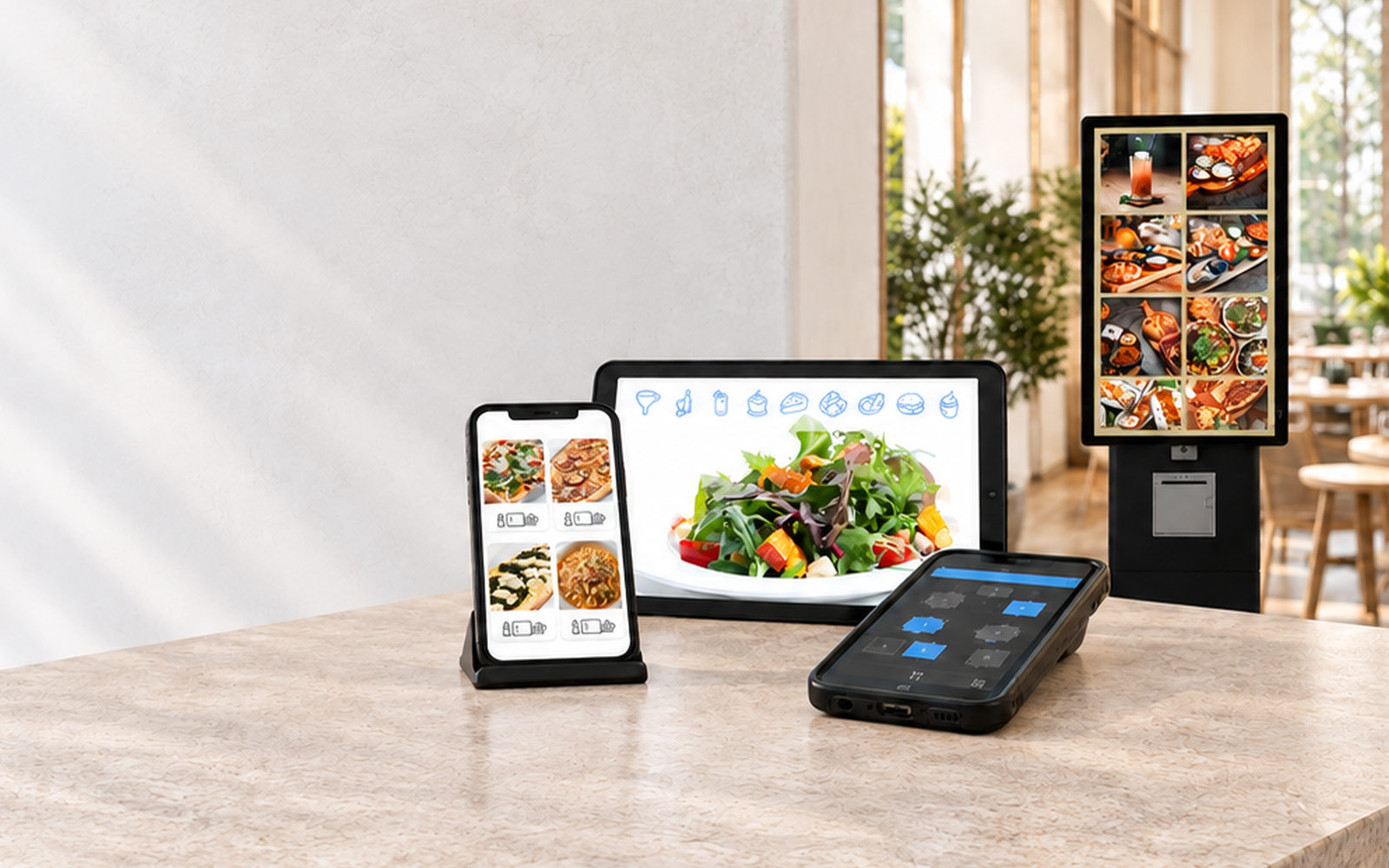
Self-Order Terminals

Self-Order Terminals
Guests and customers order on the screen themselves.
Customers order on the screen themselves.
Software: SW-SOT
Guests and customers make their choice on the screen, and the order appears right away where it is prepared, in hospitality on the kitchen stations. Payment is made straight away at the terminal by card or on the way out at the register.Customers make their choice on the screen, and the order appears right away where it is prepared. Payment is made straight away at the terminal by card or on the way out at the register. At the counter the service staff take the same orders on the order terminal. The examples on this page show the process in a restaurant.
Self-Order Terminal with card payment
Guests and customers order at the terminal and pay by card right there. They get a receipt with an order number, and the order arrives immediately wherever it is prepared.
Customers order at the terminal and pay by card right there. They get a receipt with an order number, and the order arrives immediately wherever it is prepared.
- Card payment at the terminal with OktoFIN or a ZVT-compatible card payment terminal
- Receipt with order number directly at the terminal
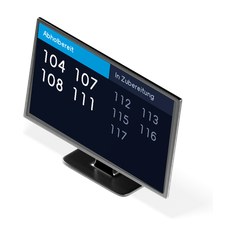
- The number appears on the pickup monitor as soon as the order is marked as ready
- Guests who want to pay cash choose “Pay at the counter”
From the start screen to the kitchen
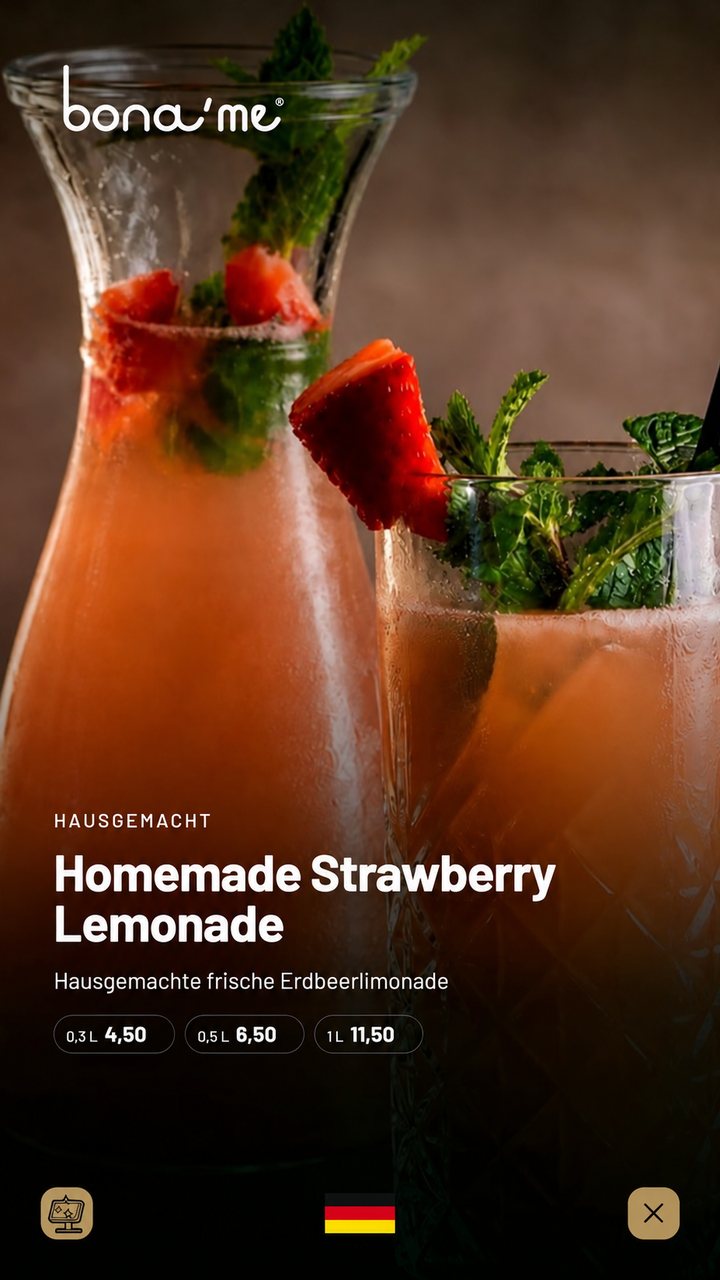
AI-generated Start screenThe start screen shows your promotions. A tap starts the order.
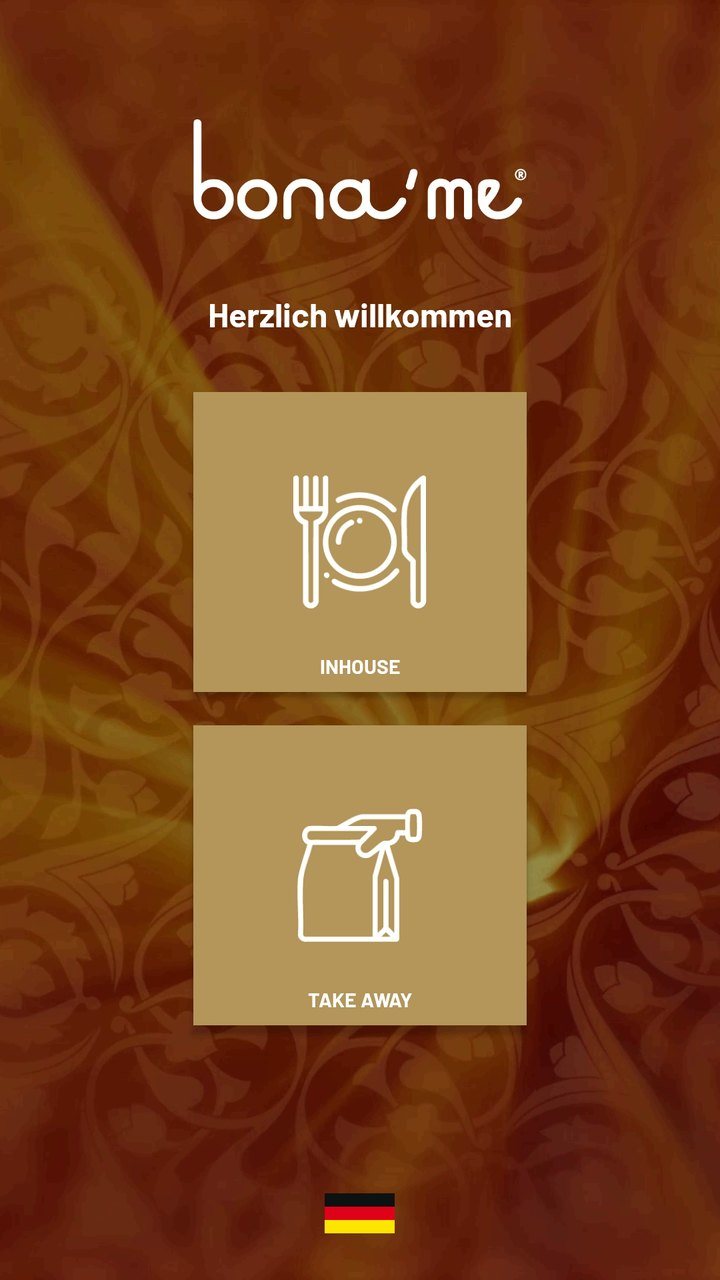 Dine in or take out
Each option with its own prices and range.
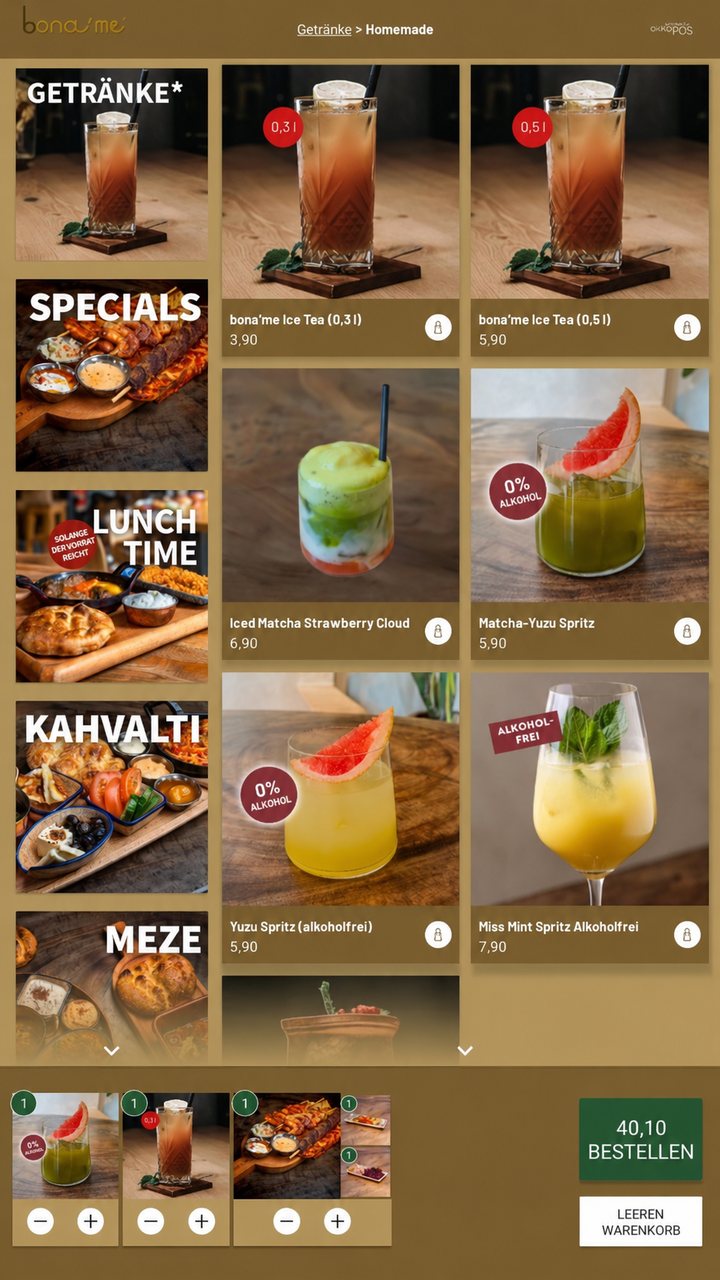
AI-generated SelectionArticles with picture and price, with the cart always visible at the bottom.
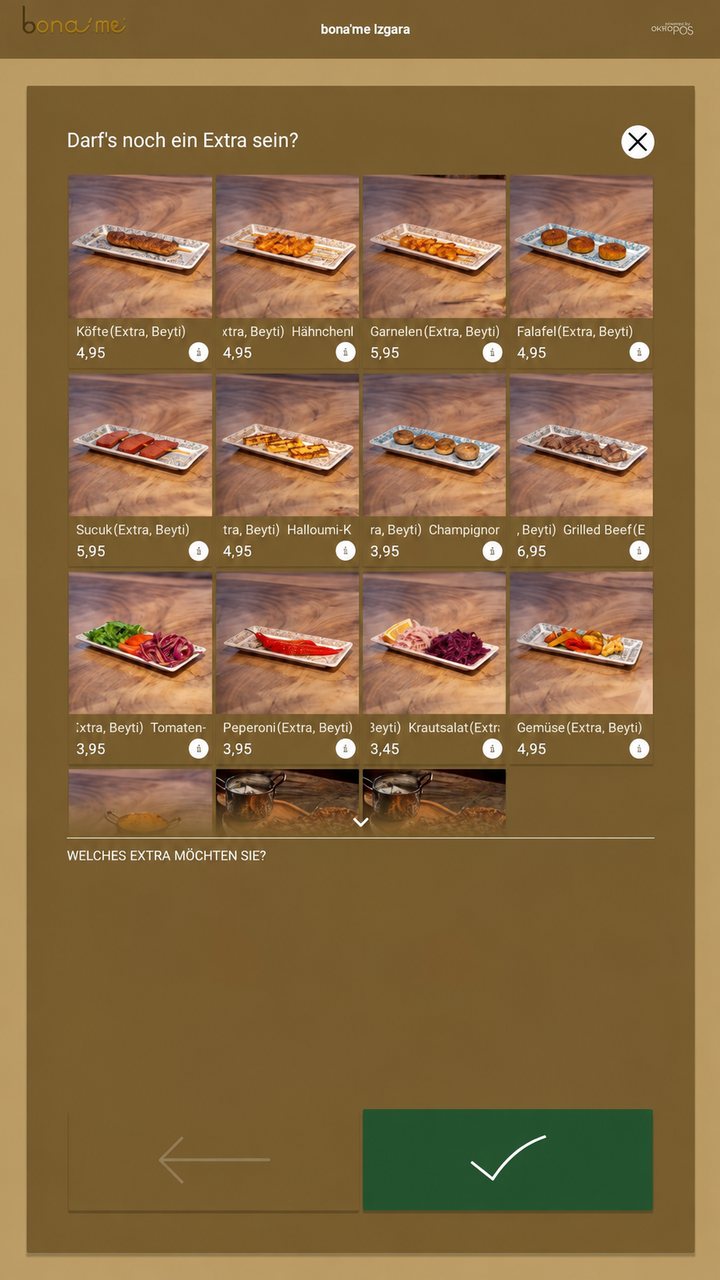
AI-generated ExtrasExtras at a surcharge, requests such as “no onions” as options.
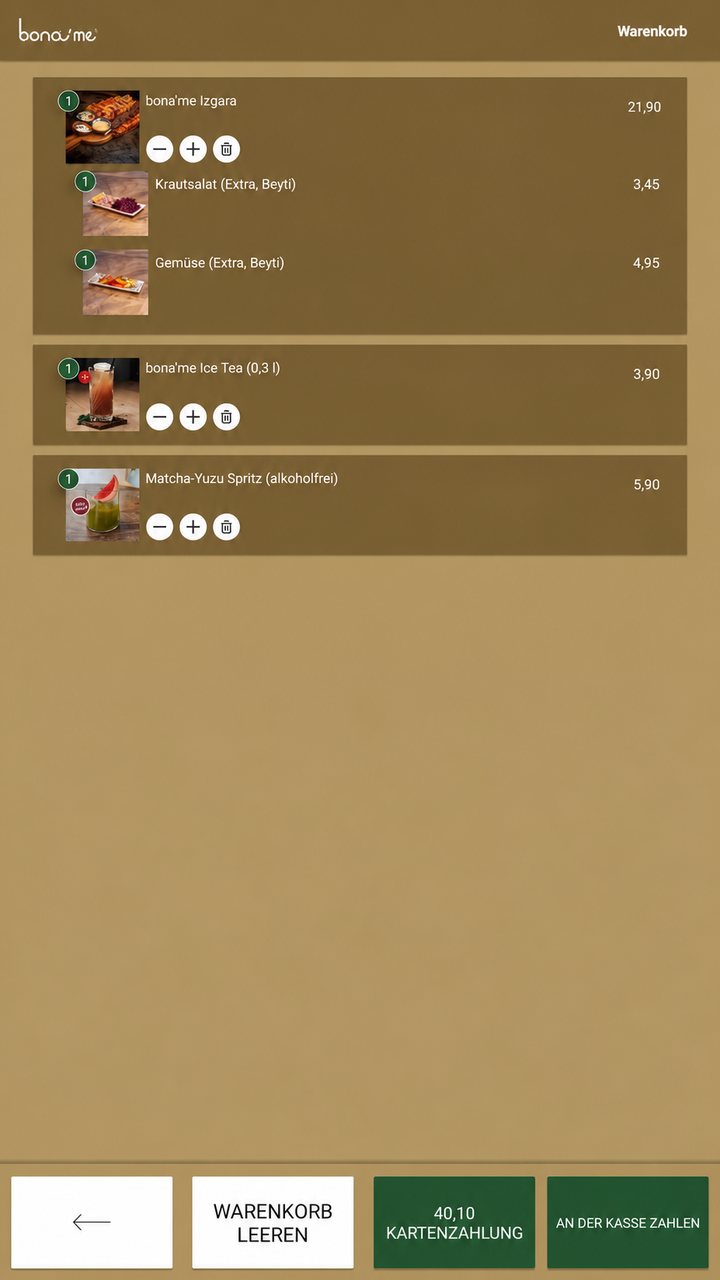
AI-generated PaymentBy card at the terminal or “Pay at the counter”.
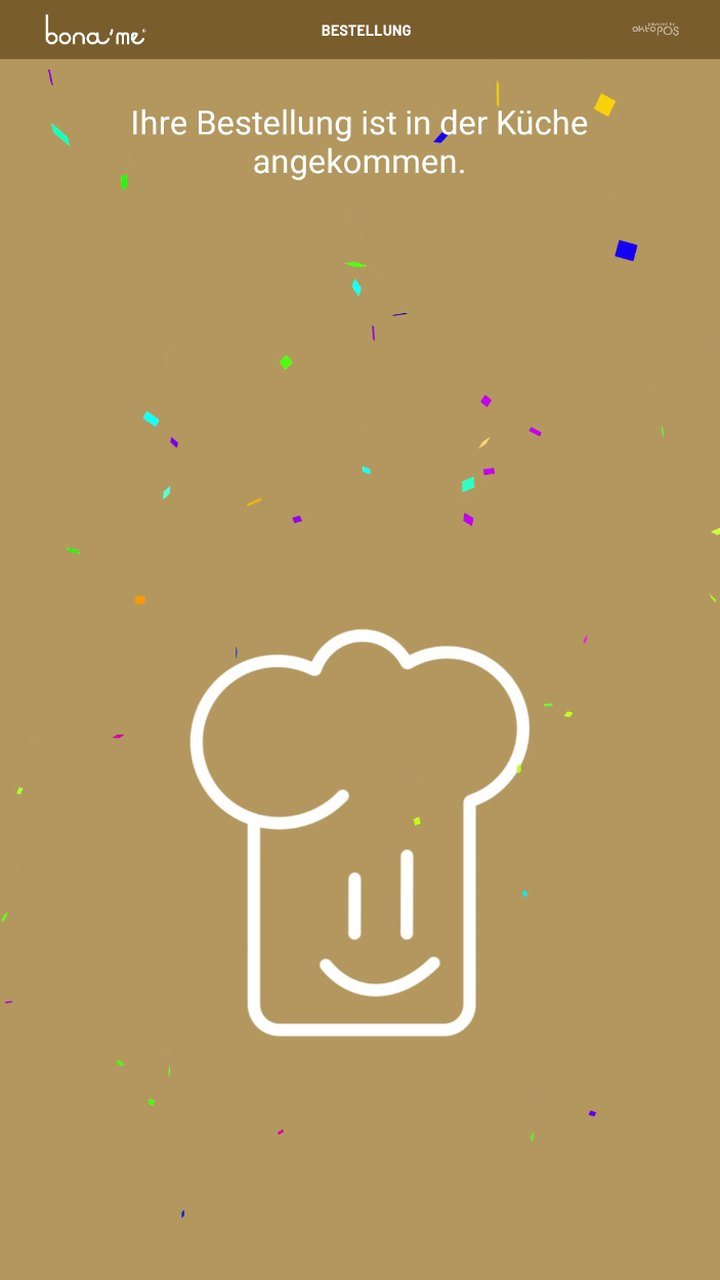 Done
The order has reached the kitchen.
The screens are from live operation at bona’me.
Self-Order Terminal
The guest enters their order at the terminal. It is stored on an RFID guest card and goes to the kitchen stations. The pager calls them as soon as they can pick up. On the way out, the register calls up the order via the card and settles it.
- Order on the guest card, billing at the register
- The pager names the station where the order is ready
- Orders visible on kitchen station, kitchen printer and POS

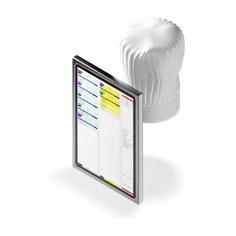
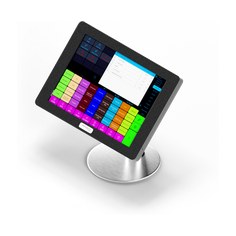
bona’me Restaurants
The bona’me restaurants are busy. Guests should still be able to order in peace while the kitchen and the POS keep running. Every guest receives an RFID guest card at the entrance on which their orders are stored.
Orders are placed at the self-order terminals in the dining room, and billing takes place at the register on the way out.
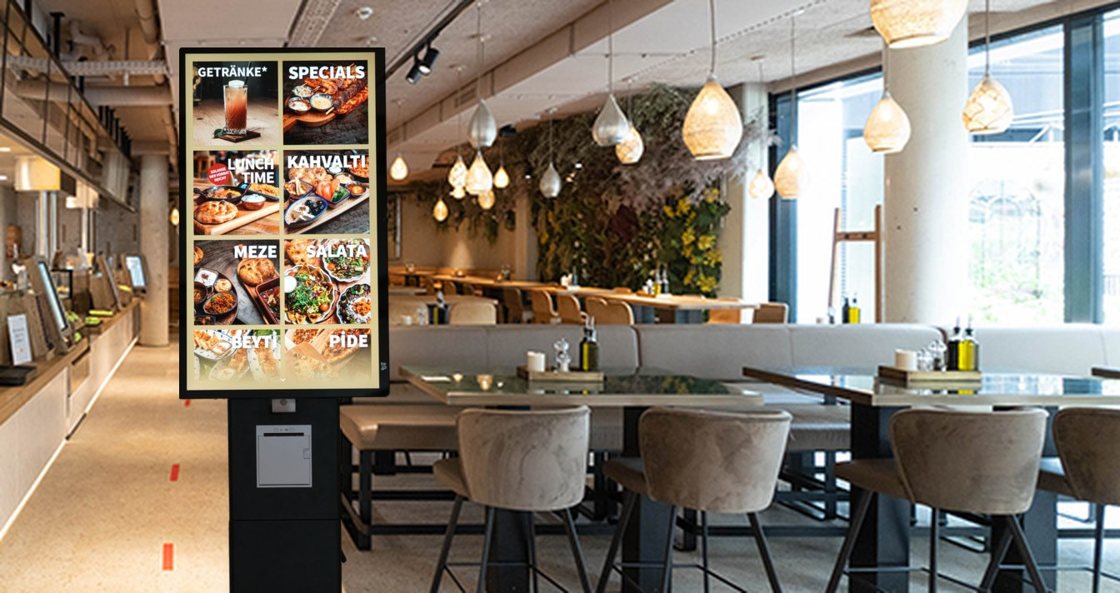

- Self-Order TerminalsThe guest orders and pays by card.
- RegisterFor cash payments and “Pay at the counter”.
- Kitchen with kitchen stationEvery order appears immediately, split by station.
- Pickup point with pickup monitorThe number shows which order is ready.
- Seating area with table number standsServers bring the order to the table.
Example layout. The number and position of the devices depend on your space.
At the pickup point
At the table
With table service, payment is made at the register.
Food Trucks
Queue Management for Mobile Sales Units.
Food trucks have a customer peak at lunchtime, at catering jobs, and at events.
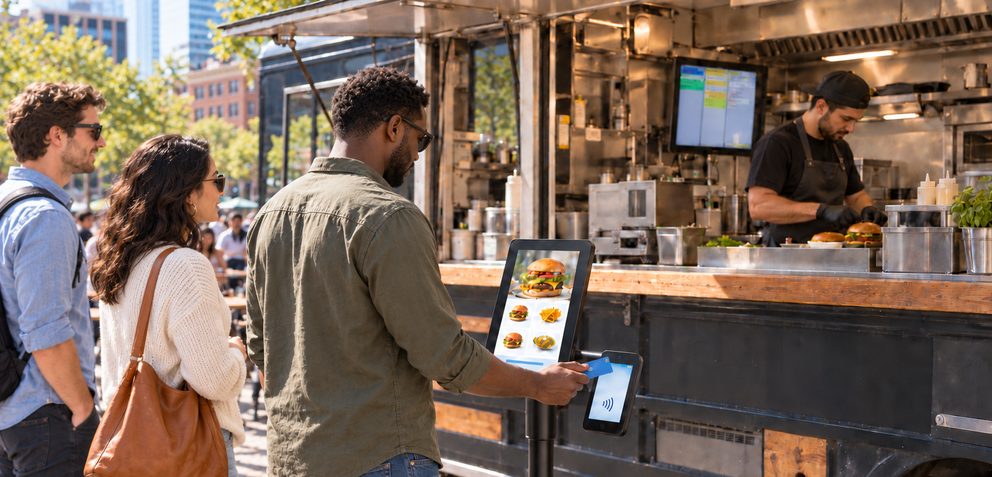
A self-order terminal in front of the truck takes the orders. Guests pay by card right there, and the order appears immediately on the kitchen station inside the truck.
This noticeably eases the rush: no more misunderstandings, happier guests and a clear overview in the kitchen. With the self-order terminal, a food truck can run with up to one person less.
Meal deals and bundles Deals with selection steps at a set price, such as a dish or a sandwich with a drink of choice.
Extras Extras at a surcharge, requests such as “no onions” or “sliced” as options.
Promotions Start image or start video and a dedicated category for your promotions.
Allergen filter Allergens, additives and nutritional values for each article. Guests and customers hide what they cannot tolerate.Allergens, additives and nutritional values for each article. Customers hide what they cannot tolerate.
Time control Articles appear only at set times, such as in the morning or at lunchtime, and disappear again afterward.
Availability Anything sold out is blocked manually by your staff at the station where the orders come in. It can then no longer be ordered at the terminal.
Dine in or take out Separate prices and ranges for both options.
Languages Twenty languages are available, you choose which of them are offered in your business.
Payment Cashless at the terminal or at the register with all payment methods.
Forwarded directly Orders appear immediately on the POS, the kitchen station and the kitchen printer, in the kitchen as well as at the counter.
Correct for tax purposes Posting, receipt creation and storage of the transactions just like at the register.
Guest card RFID card in the branding of your business, also as a customer card.
Custom design
Start image or start video, logo, background and font color and the typeface are set to your specifications.

- One standard power outlet and one network connection per terminal, LAN recommended, Wi-Fi possible
- An OktoPOS server on site, which can also serve as the register
- Internet access for the OktoPOS Manager and card payment
- Card payment via OktoFIN or ZVT-compatible card payment terminals
- Kitchen station, kitchen printer and pickup monitor on the same network