


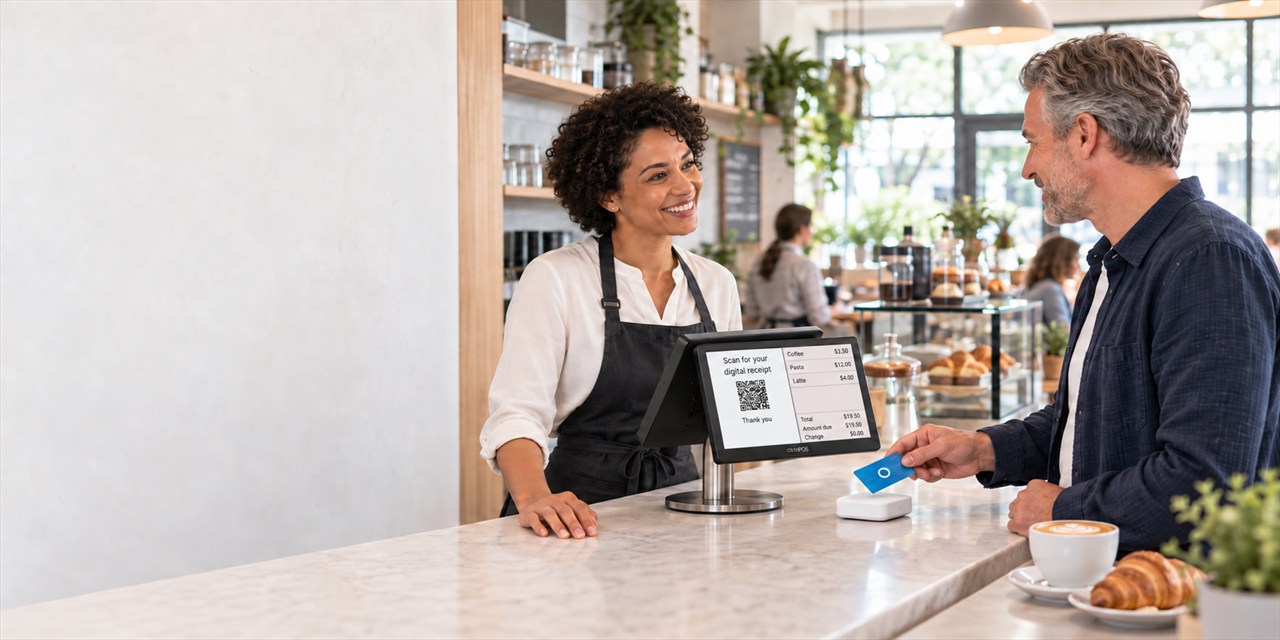
Customers
Cards, accounts, feedback and reservations in one system.
Customer account, purchase on invoice and your own website, in the same system as the cash register.
With OktoPOS you create customer experiences that build loyalty. Particularly strong: our bonus point system. Reward loyalty and turn customers into regulars.
On this page
Customer Cards & Gift Cards
Software: SW-CUS, API-REG
With OktoPOS, you make shopping faster, more personal, and more rewarding. Your customers register directly at the checkout or online via your website. For every purchase, they collect bonus points and redeem them for selected products. This increases loyalty and the average transaction value.

Features at a glance
- Quick customer account setup
In the OktoPOS Manager, at the checkout, or via online registration, right where it fits. - Attractive bonus program
Earn points based on the amount spent and redeem them for defined products. - Flexible customer cards
Read via NFC or barcode, optionally with rechargeable credit. - Targeted marketing
Analyze purchasing behavior and launch tailored campaigns. - Invoice purchase included
Send invoices automatically by email; conveniently track payments in the accounts receivable list. - Personalized communication
Maintain birthday lists and send birthday letters addressed by name. - Extra bonus points
For special promotions or as an easy way to handle complaints.
Why OktoPOS?
- All in one place: All loyalty processes where you already work: in OktoPOS Manager and at the checkout.
- More loyalty, less effort: Automated point allocation, redemption, and communication.
- Measurable results: Higher repeat purchase rates and full transparency on payments and customer benefits.

Central Customer Database

Customer Selection at Cash Register

Customer Loyalty
Software: SW-LOY
1. Collecting Bonus Points
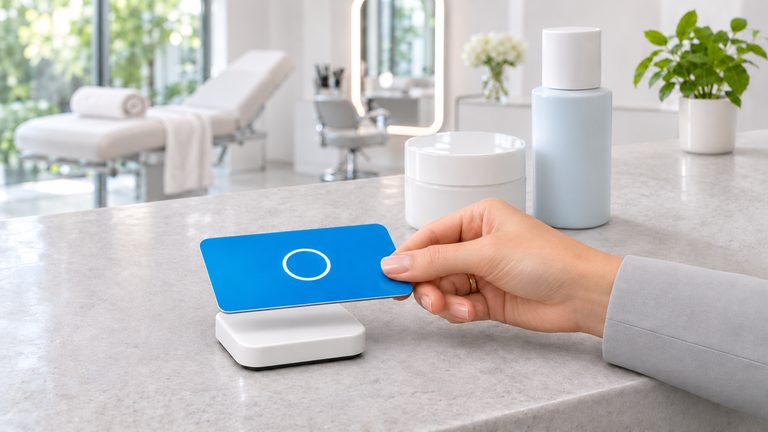
Customers shop and earn bonus points on their card.
2. Redeeming Bonus Points
Customer redeems points for rewards.
Bonus Point Account

Redeeming Bonus Points at Cash Register

Accounts Receivable & Pay by Invoice: directly from the POS
Post invoices, send PDFs, keep track of payments.
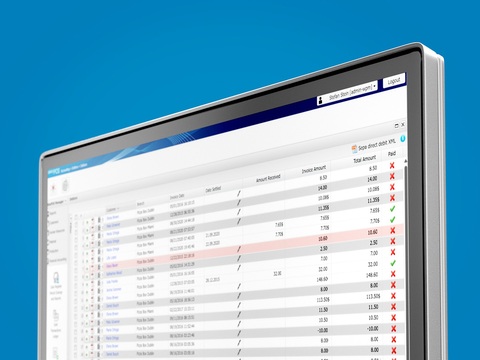
The POS handles invoice purchases too: it records the payment method “on account” and automatically sends the invoice as a PDF to the customer, provided the email address is stored. The invoice appears in the accounts receivable list in the OktoPOS Manager.
Send as PDF with one click: If a customer whose email is not stored later requests an invoice, you can send it via the OktoPOS Manager. Once the payment is recorded, the invoice will be marked as paid in the accounts receivable list.
For customers who pay monthly, a list of outstanding items is created as a payment request.

Accounts Receivable Management
Prepaid Cards & Gift Vouchers
Top up and redeem at any location, directly at the POS.
Software: SW-PRE
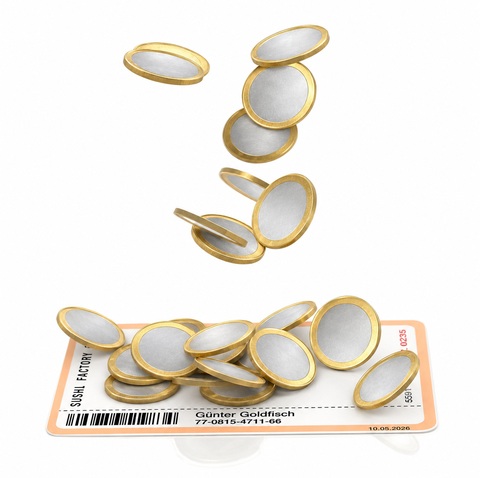
- More revenue & pre-financing: Sell gift vouchers with flexible amounts. The next visit is practically guaranteed.
- Faster checkout: Contactless (RFID) or via barcode/QR scan.
- Maximum flexibility: Redeem partial amounts, recharge cards/vouchers anytime.
- Full control: Each card/voucher automatically has its own credit account in OktoPOS Manager, with history and current balance.
- Usable everywhere: Redemptions possible at different locations, centrally synchronized.
- Ideal for cafeterias & institutional foodservice: Conveniently top up prepaid credit and pay cashless.
Top-Up
- Prepaid cards: Load credit directly onto customer cards at the POS and recharge (Top-Up).
- Gift Vouchers: Load a variable value when selling at the POS, ready to use immediately.
Redeem
- Deduct values flexibly; partial redemptions are also possible.
- Credit can be recharged at any time.
Manage
- Each card/voucher has its own value account in the OktoPOS Manager, ideal for transparency and reporting.
- Vouchers can be sold anonymously or linked to a customer account.
Cards, Media & Printing
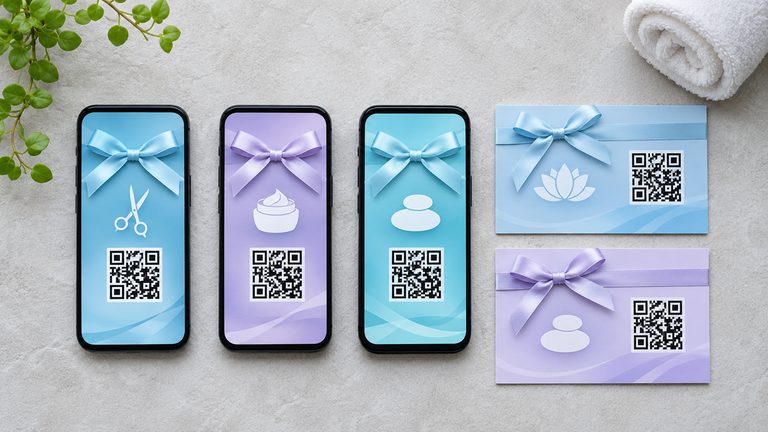
- Media selection: Plastic cards with barcode or QR code, or contactless RFID cards.
- Recommendation: RFID, especially fast and convenient for staff & customers.
- Custom design.
- Voucher printing: Issue vouchers with number and QR code directly via the receipt printer and, for example, attach them to a printed sleeve.
- Number ranges: Use your own numbers or let OktoPOS generate them. The number is stored when the value account is created in OktoPOS Manager. This way, the voucher can be uniquely identified when redeemed at any POS or location.
Technology & Security
- Online synchronization: For top-up and redemption, an internet connection to the OktoPOS Manager is required; credit is not stored locally on the POS.
- Cross-location: Balances are managed centrally, perfect for multi-location operations.
- Security features for monitoring compliance with the ZAG (Payment Services Supervision Act, Germany).

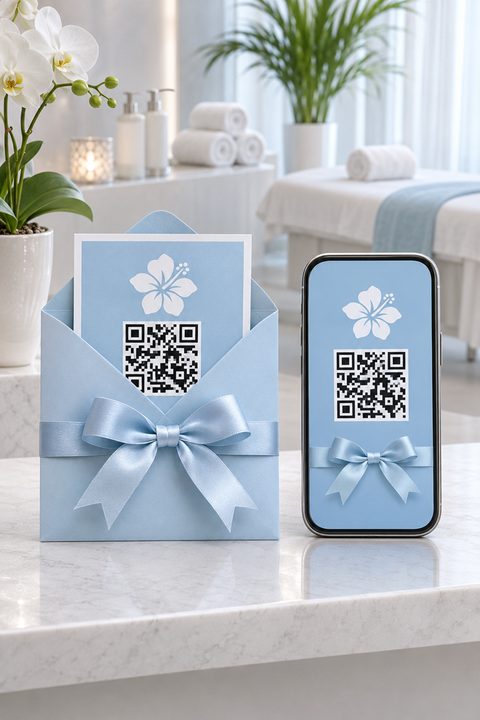
Gift Voucher
Software: SW-PRE, API-VOU
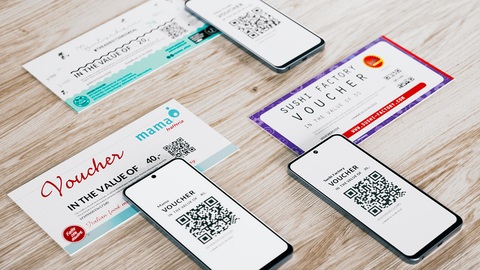
Simply sell gift vouchers through your own homepage. The OktoPOS voucher sale module is easily integrated with an iFrame.
The customer pays for the voucher online and receives it by email as a PDF in your design. Optionally, you can also send the voucher to the customer by mail.
- Independence from third-party providers
- Highlighting your own brand
- Record the customer's address
- Significant cost savings with high voucher sales
Online Sales of Gift Vouchers
Customer Account
Sell Today, Collect Tomorrow.

From coaster to customer account: tally marks on the coaster then, an account at the cash register now.
Pay a deposit, pick up later: the open amount stays on the customer account and is settled at pickup.
One beer, one mark
Five beers are served one after another. Each gets a tally mark on the coaster.
The old round is paid
20 plus 5 makes 25. That pays for all five beers and settles the old round.
New beers, new customer account
The account starts at 0. Only two new beers at 5 each are recorded: first −5, then −10.
Settle up later
The new round is paid later with 10. The balance returns to 0.
This feature is perfect for clubs, pre-orders, and regular customers.
This feature is perfect for ordered goods, deposits and regular customers.
The customer account can hold a balance in credit and in debit.
With this function, your customers can make purchases or place orders at the cash register and choose to pay later. Payments can be made on the same day or at a future date, such as two weeks later or upon delivery of the goods.
This feature is especially useful for clubs or hotels, where members or guests can charge their purchases to an account and settle the balance at a later time directly at the cash register. Any form of payment can be used to clear the balance, providing convenience and flexibility for both the business and its customers.
Typical in furniture and specialist retail: the customer pays a deposit when ordering, the rest stays on their customer account and is settled at the checkout on pickup or delivery. Any payment method can be used to settle the balance.
What is the difference from paying by invoice?
When paying by invoice, the customer pays the outstanding invoices via PayPal or bank transfer. The customer account is balanced on-site at the POS using any available payment method. A customer account can hold both debit and credit balances, with payment by invoice always representing an outstanding item.
Okto-TopUp Terminal
Top up credit via hardware terminal or online store.
Software: SW-TU, API-TOP
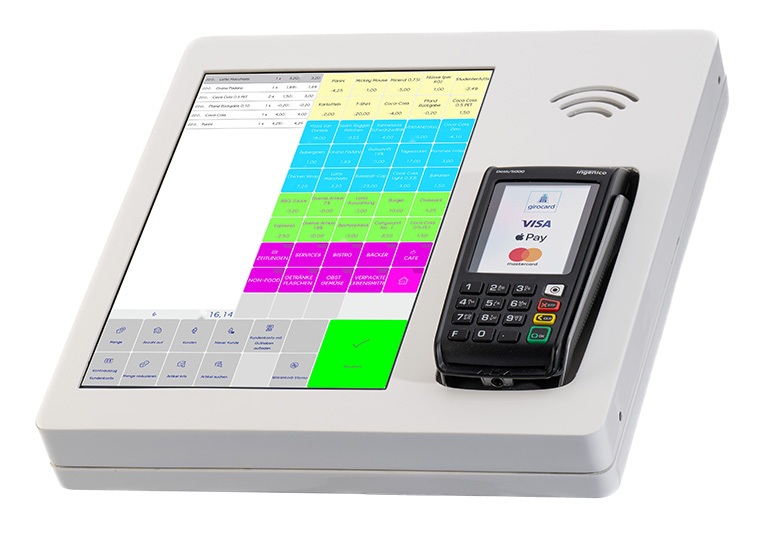
With OktoPOS, prepaid cards and gift vouchers can easily be topped up with the desired credit. This can be done with the OktoTopUp hardware terminal and with an online top-up function.
The topped-up prepaid cards can be used as a means of payment at an OktoPOS cash register or at an OktoPOS self-checkout terminal. For example, in a corporate cafeteria, at schools, etc.

Gift vouchers are usually loaded individually directly upon purchase. However, if the customer does not yet want to commit to an amount, they can do so at a later date.
For example, a restaurant issues a blank gift voucher with a serial number and the customer then tops it up themselves via the online store.
Feedback Terminal
Software: SW-FED, SW-CL
Offer your guests and customers more convenience: The feedback terminal collects direct customer feedback.
Feedback Terminal - Okto-Feedback
Customer Opinions Are Analyzed Directly in the Web-Based OktoPOS Manager.


Feedback terminals have a dual use. Customers can leave feedback (OktoFeedback) and employees can use their staff card to document checks, e.g. restroom inspections (OktoCheck).
The terminal captures customer feedback with smileys or with more detailed questions. For this purpose, individual questionnaires can be uploaded. The questionnaires can be altered over time to get feedback on different topics.
Feedback entries are sent directly to the OktoPOS Manager, where they can be analyzed.
The app can also be used to log employee checks, such as replacing the traditional restroom checklist. Each check is recorded by scanning the employee's card. Optionally, the terminal can display the time and employee who performed the last check. All recorded checks are transmitted to the OktoPOS Manager for centralized management.

Features
- Individual questionnaires
- Question branching
- Different questionnaires
- Assigning questionnaires to terminals
- Optional automatic change of questionnaires
- Optional random order of questions
- Detailed feedback through drill-down questions
- Feedback entries are transferred to the OktoPOS Manager in real time
- Feedback analysis in the OktoPOS Manager
- Terminal can also be used as a checklist (e.g., restrooms)
- Employees can record checks with their staff card (RFID)
- Software:

- Hardware:
- Android tablet computer 7-13".
- OktoCheck requires NFC functionality.
- Data Connection:
- Wi-Fi / mobile
Reservation System and Event Planning
Our integrated reservation system allows easy table bookings, online or on-site. Additionally, the event planning tool helps you organize and promote events effortlessly.
Booking System
Software: SW-RM

The booking system is a module of the OktoPOS Manager. Reservations can be taken by phone or online via a connection to your website.


Features
- Telephone reservations
- Online booking with availability check
- Email confirmations
- Cancellation links
- Booking list
- Marking of no-shows
- Blacklist function for repeated no-shows
- Entry in newsletter list
- Occupancy display
- Floor plan administration
- Time-based rules for availability of tables
- Automatic assignment of tables for optimal capacity utilization
Booking List

Table Plans

Individual Floor Plans
The floor plan for a location is designed in the OktoPOS Manager by drag & drop. Different areas of the restaurant can be defined with different floor plans. Every area and every table can be configured separately.
Areas and tables can be opened or closed for reservations and be restricted for certain times.
The configured floor plans can also be used for the cash register and the e-menu.

Event Planning
With the event planner, you can announce events on your website and manage the list of participants.
Software: SW-EP
With this feature, you can host events such as cooking classes, meetings, presentations, and celebrations. Every employee has an overview of the event's participants via the OktoPOS Manager and can thus provide information directly over the phone.


Event Planning with Lists of Participants

Features
- Management of event venues
- Event templates
- Date, time
- Max. number of participants
- Event description
- List of participants
- Payment status
- Publication on your own website (interface)
- Registration on your own website (interface)
Website Content Management
Control your External Website with the OktoPOS Manager.
Software: SW-CMS

With the OktoPOS Manager, you can control functions and content on your external website.

Content is transmitted via a plug-in from the OktoPOS Manager to your website, where it is displayed in keeping with your design.
News / Promotion
Keep your customers informed about news and promotions. You can write news articles with the news editor and upload them to your homepage.
Validity periods can be defined for each news article, which allows you to plan promotional offers accordingly.

Web news management
Events
With the event planner, you can manage participant lists for events such as courses, tastings or celebrations. The events can be posted on your website.
Frequently Asked Questions
With the FAQ editor, you can gather common customer questions and provide the answers. This keeps your customers informed and saves effort in customer support. Keep the FAQ updated as new topics arise.
The questions and answers are published on your website.